 Aspetto
Demo
What Aspetto does
The main features, one at a time, with what each one is for. Aspetto is for iPhone, Android and the web, with smartwatch apps. Screens are from the current iPhone and Apple Watch beta.
01 · Seabed maps
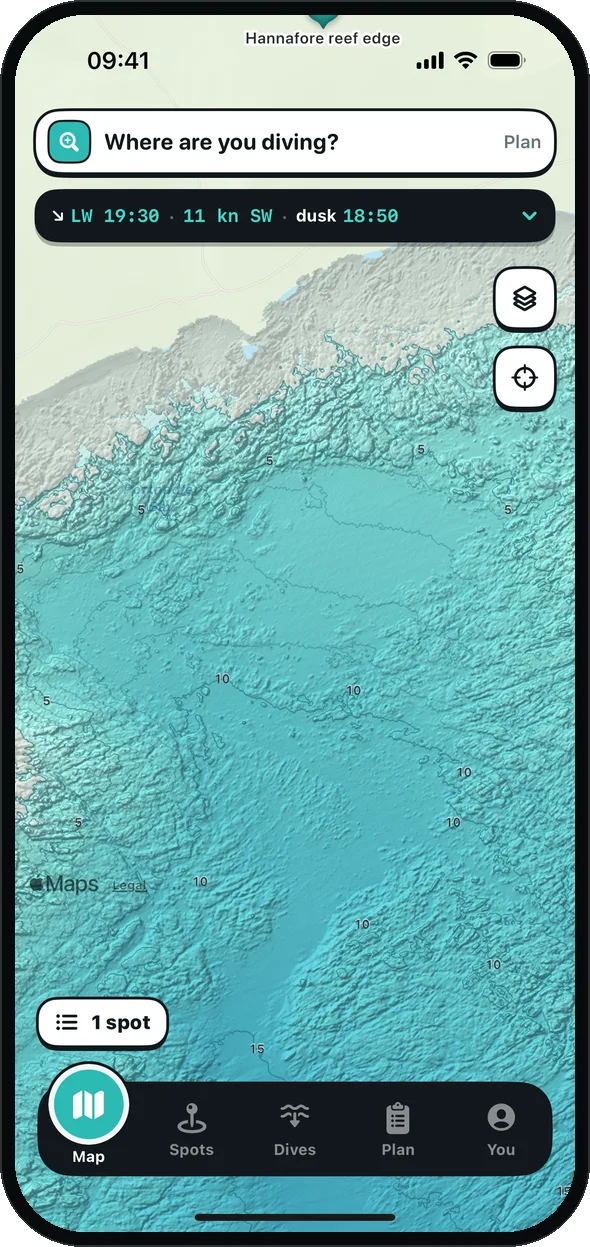
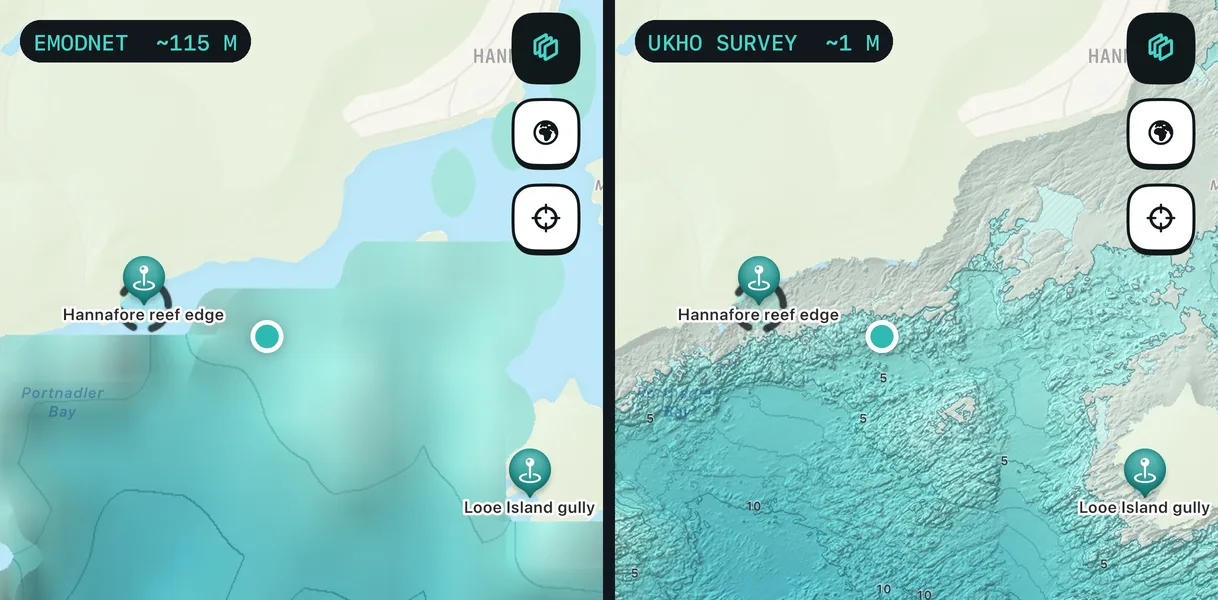
See the reef before you get wet
UK Hydrographic Office surveys, shaded at 1–2 m, with a contour every metre.
What it's for: finding reef edges, gullies and sand from your sofa, instead of swimming around looking.
02 · Depth with the tide
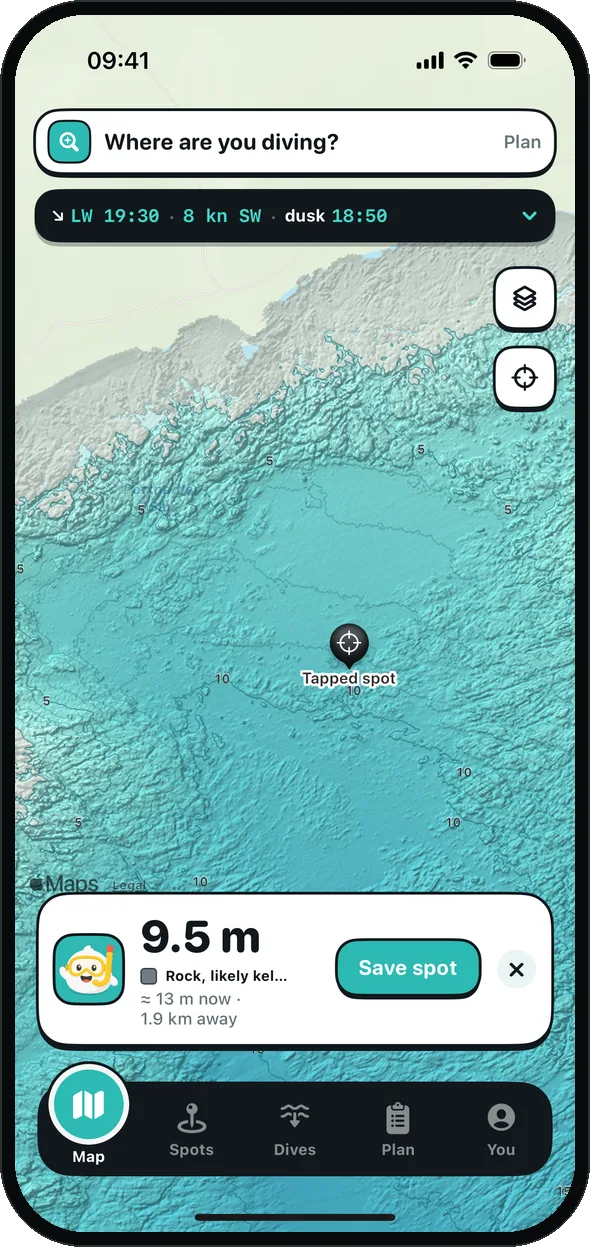
Tap the sea for depth now
The charted depth, what the bottom's made of, and roughly how deep it is with today's tide.
What it's for: knowing whether a spot will be 6 m or 12 m when you actually get there.
03 · Spots
Save it once. Get back to it.
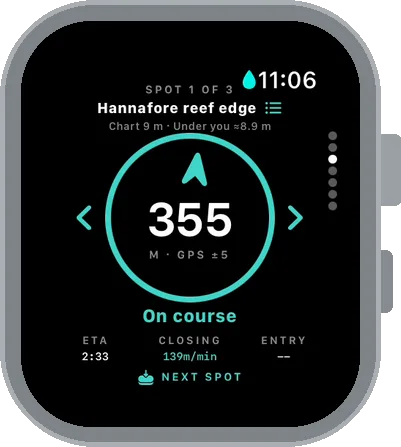
Save a spot from the map, or with one press of the Action button in the water. The watch then points you back to it, with the distance.
What it's for: finding that ledge again next week, without guessing from landmarks.
04 · Conditions
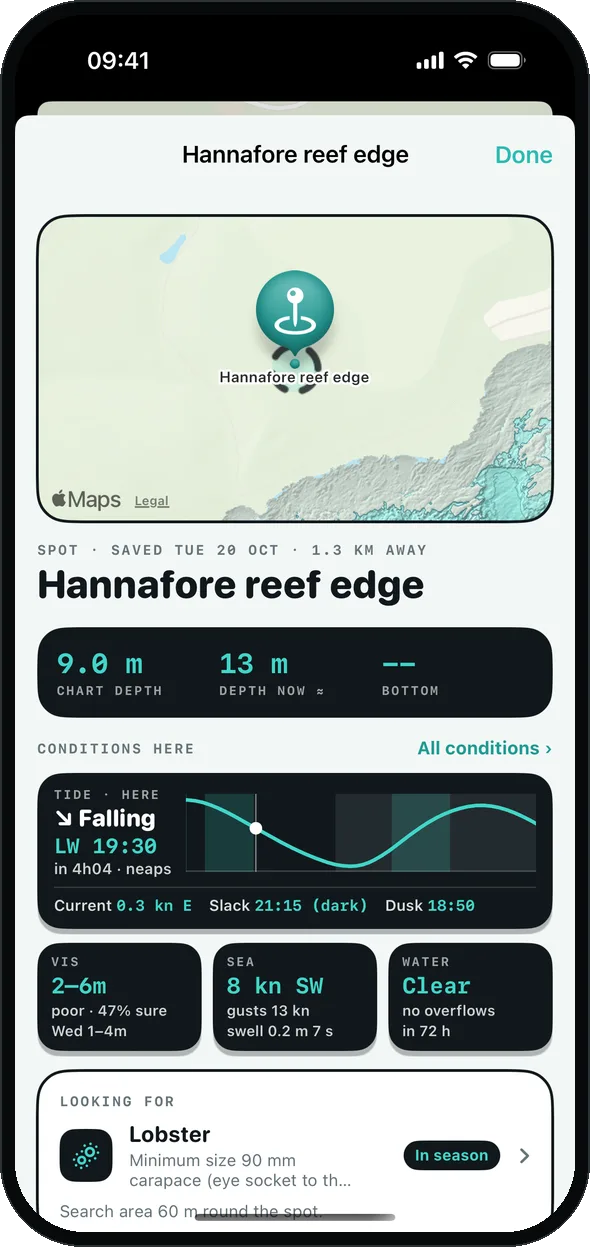
Tide, sea and vis in one place
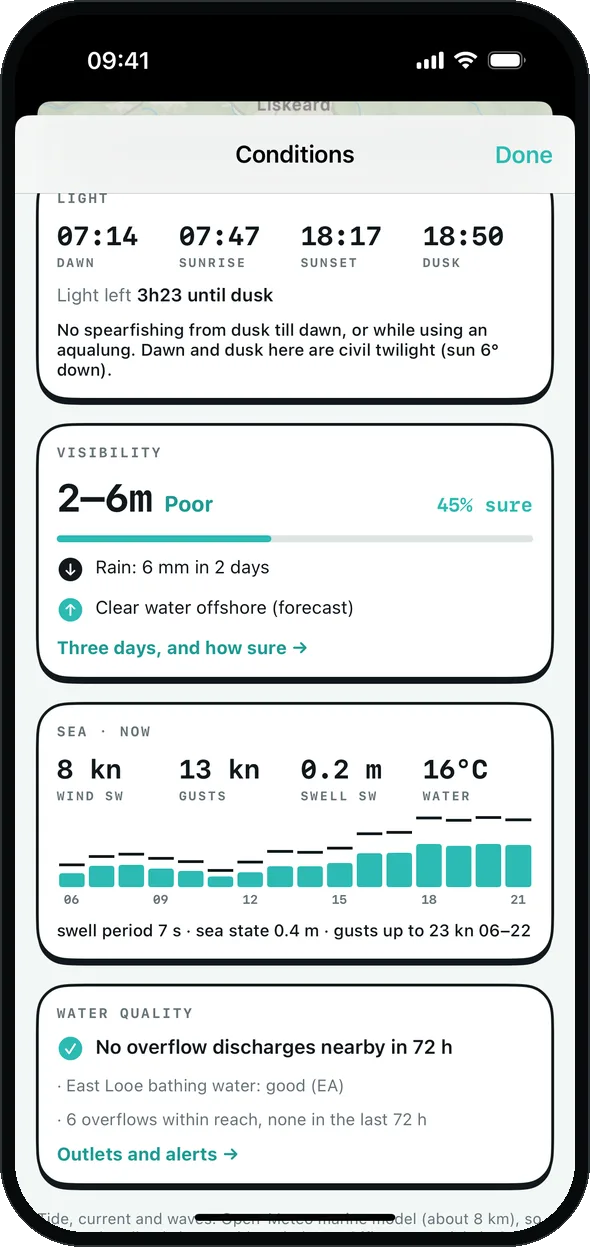
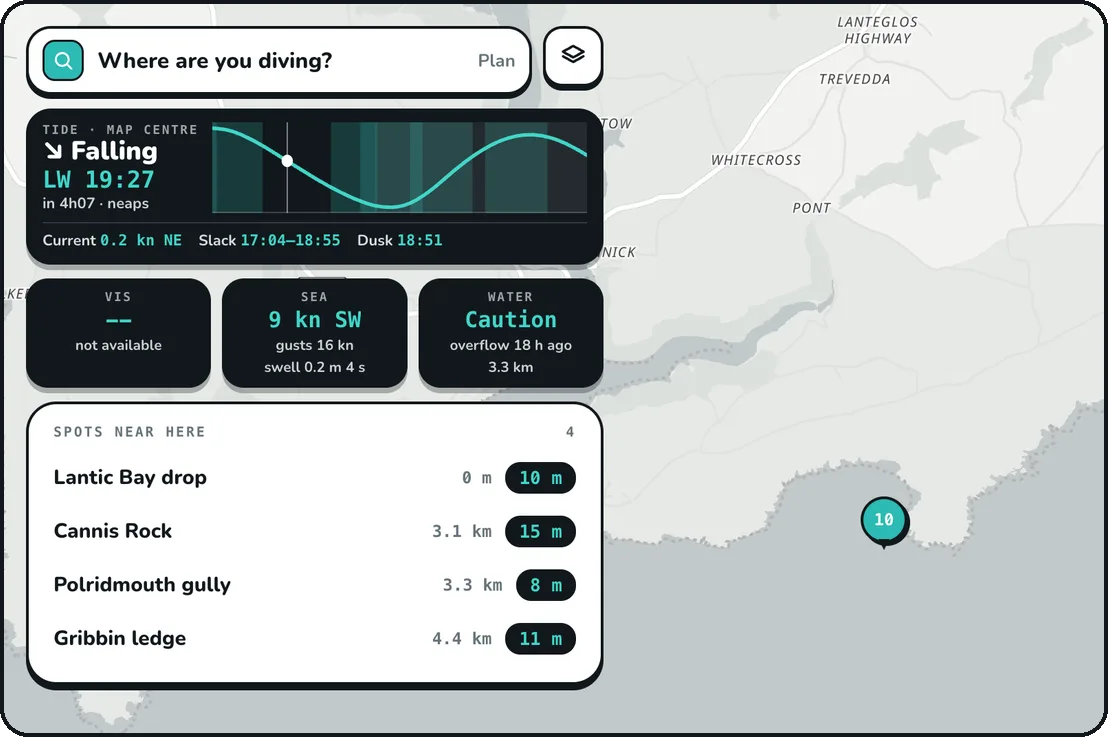
Tide and slack water, wind and swell, light left, and a visibility estimate with how sure it is.
What it's for: deciding whether today's worth the drive, and when to get in.
05 · Targets
Know where to start looking
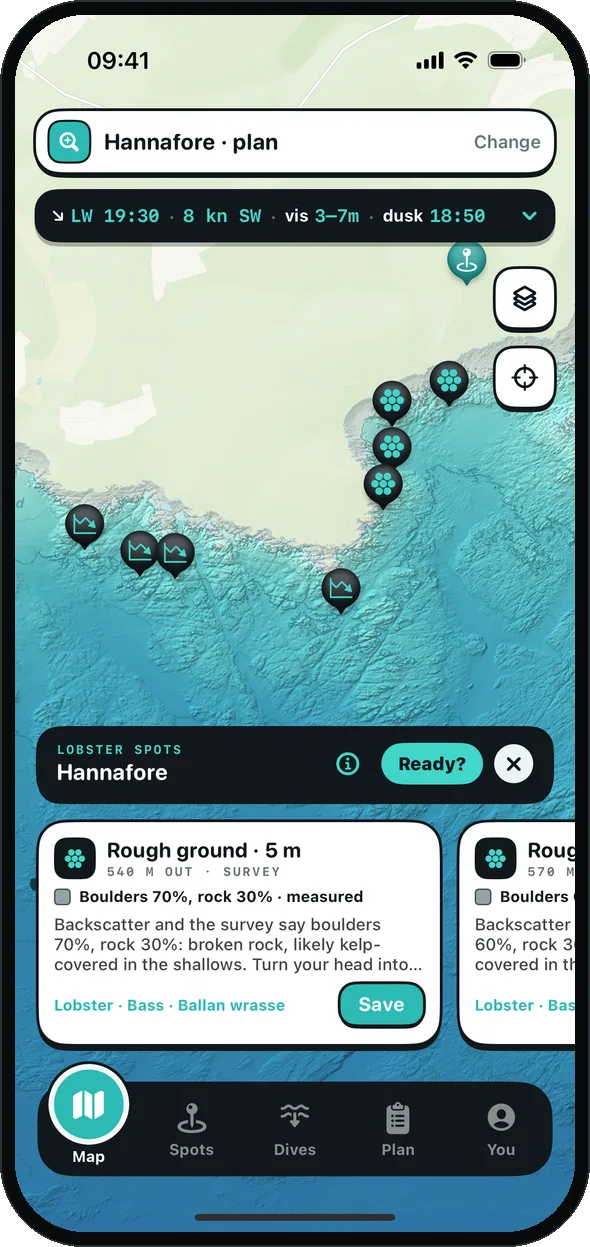
Pick what you're after, from lobster to bass to scallop. Aspetto suggests the ground that suits it, and says why.
What it's for: a short list of places to try, with the Cornwall IFCA size and season rules alongside.
06 · Dive session
The watch checks on you
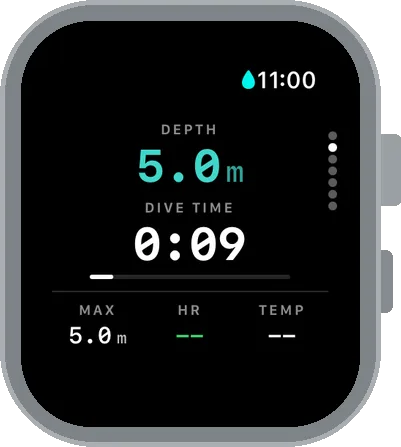
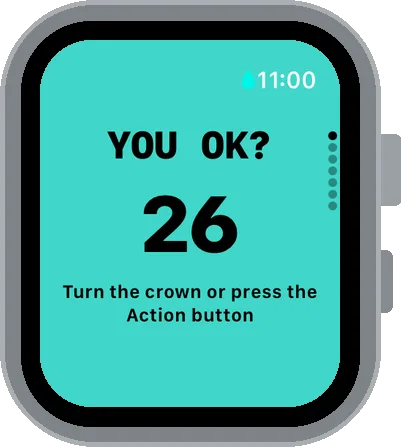
On Apple Watch Ultra today (Wear OS and Garmin are planned), each dive is logged, and after every dive the watch asks You OK? Answer with the crown or the Action button, with no touch screen needed.
What it's for: dive time, rest and a check-in every dive, without fiddling with your watch in the water.
07 · SOS and shore watch
Someone on shore knows
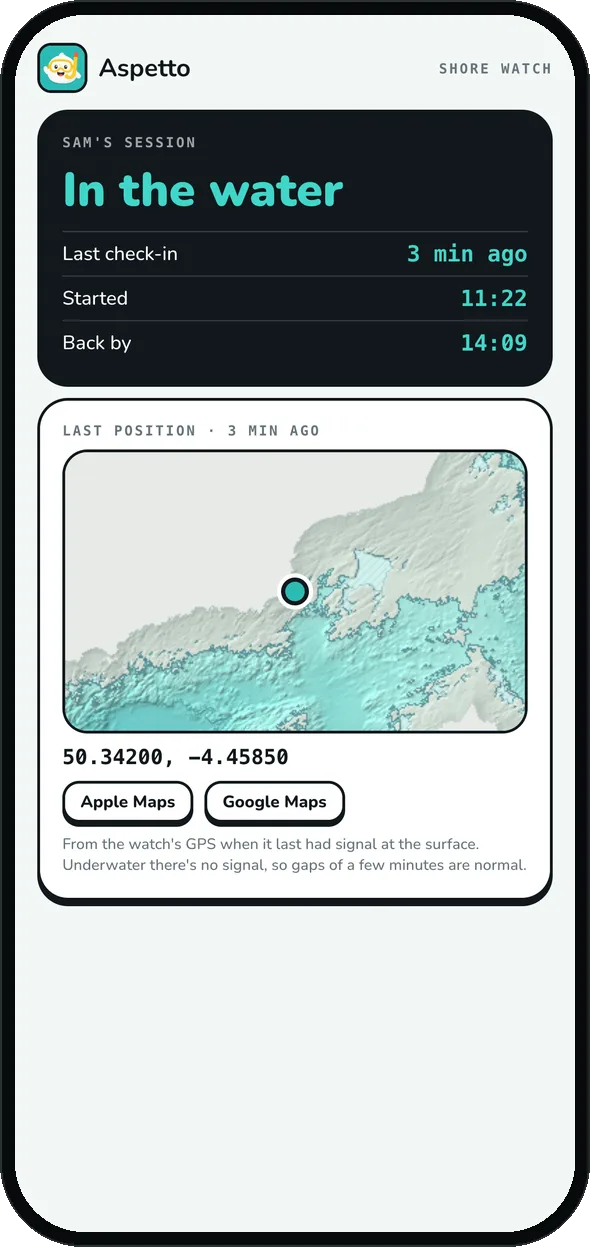
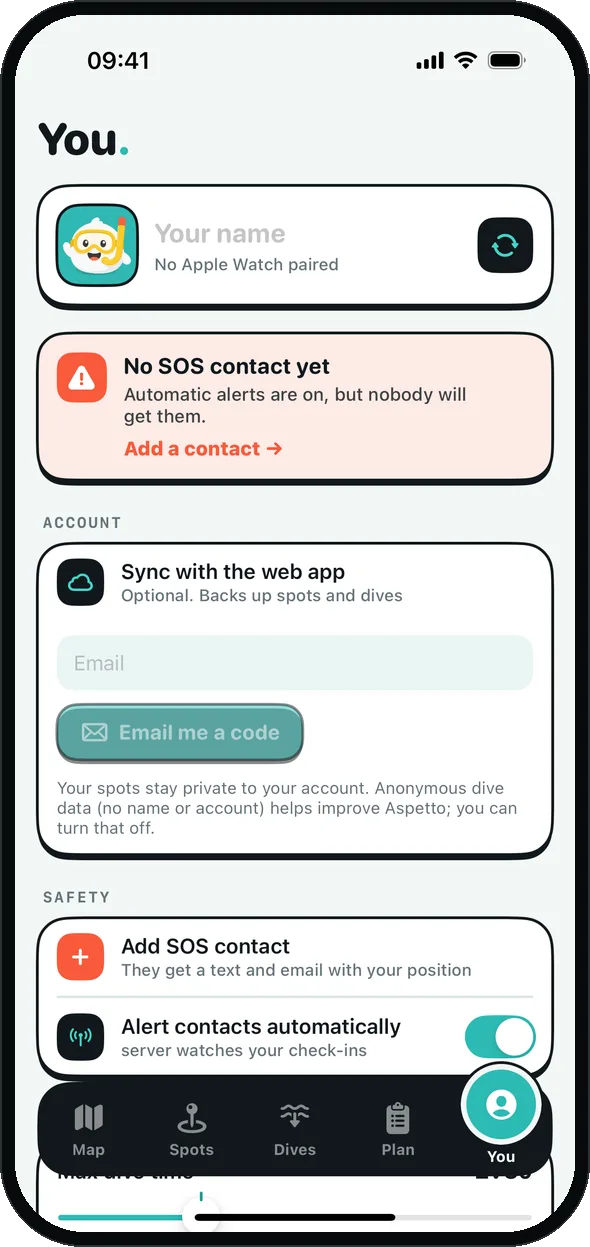
Miss a check-in and the alarm starts, then SOS. Add a contact and they're emailed your last position. Shore watch gives them a private link to see you're in the water and when you're due back.
What it's for: raising the alarm faster when something goes wrong, and letting someone keep an eye out without phoning you.
08 · Dive log
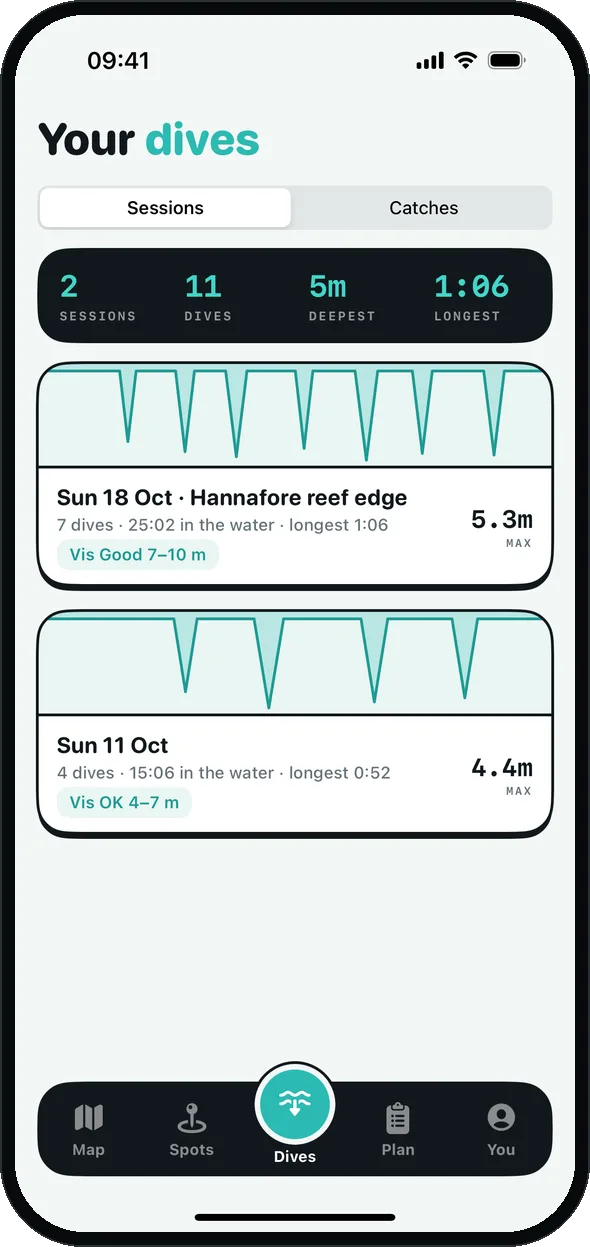
Every dive, logged
Sessions from the watch land on your phone: dives, time in the water, the longest hold and the vis you logged.
What it's for: seeing how you're getting on, and remembering what each spot was like.
09 · Web app
Plan on a big screen
The web app at app.getaspetto.com works on any computer. Sign in and your spots and dives sync between your phone, watch and the web. Sync is optional.
What it's for: planning on a laptop, and keeping a backup of your spots.
10 · Sewage alerts
Know before you get in
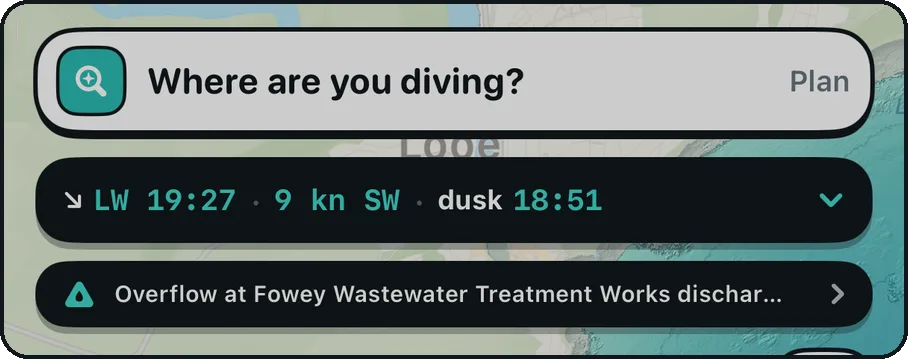
Live storm overflow data from the water companies, checked against your spots. A warning shows on the map when one nearby is discharging, and you can get a notification.
What it's for: not diving next to a sewage overflow after heavy rain.
Try it in the water
Free TestFlight beta for iPhone and Apple Watch Ultra. Android on Google Play is coming soon.